Delegates Page
To navigate to the Delegates page, click Community in the organization homepage.

Select Community.
You can search by ENS name or wallet address. You can sort delegates by Voting Power and Received Delegations. You can also choose a Focus Area from the All Focus Areas dropdown menu.
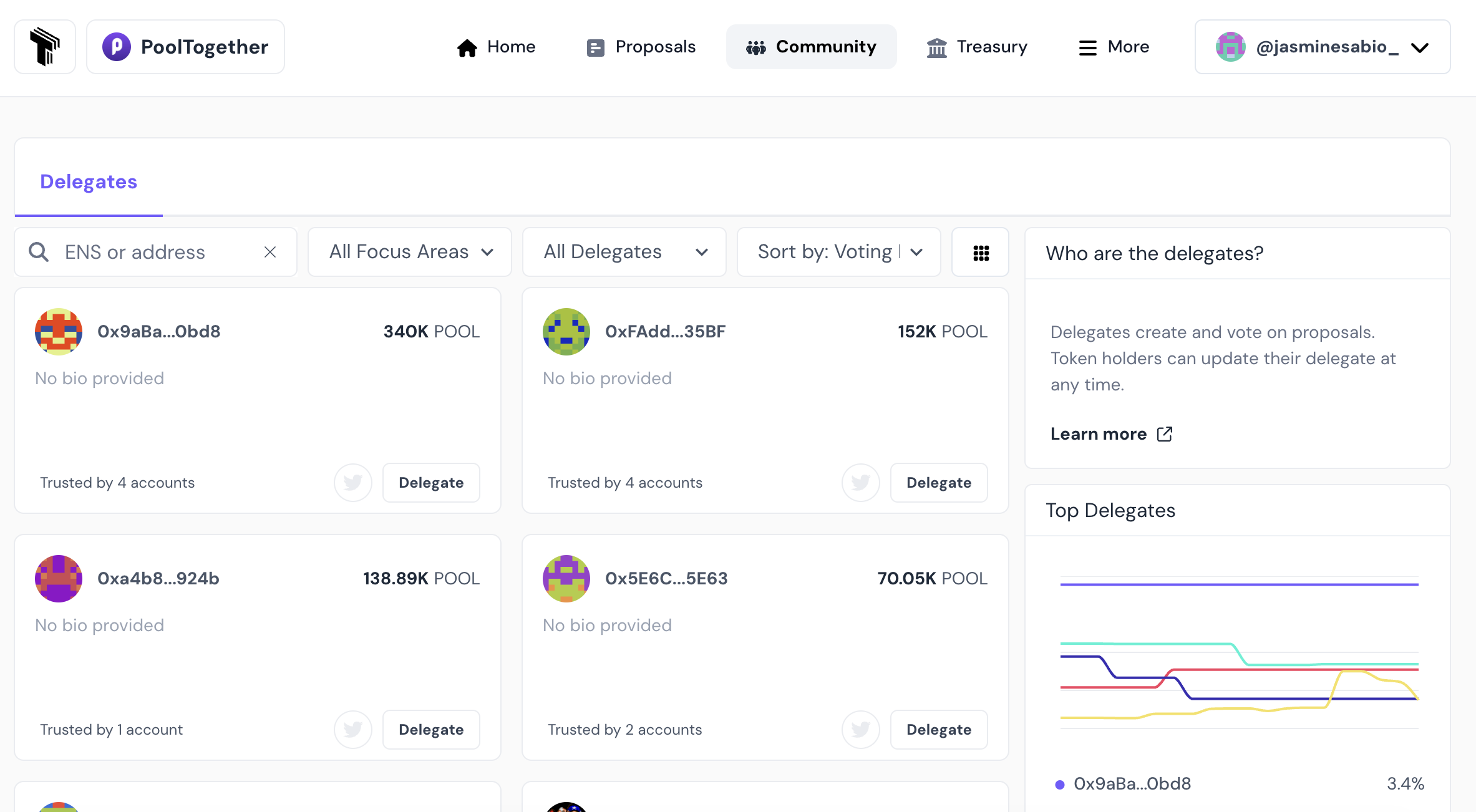
Click the Delegate button to easily delegate your voting power to that organization member, or click on their profile name to learn more about their participation in the organization.